
1
2
Enter Your Training ID
Look for the Yellow Box on the left. Type only your assigned name and click the blue arrow.
yopmail.com/en/
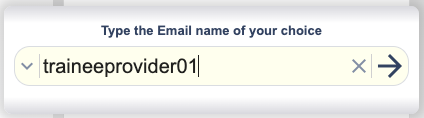
Type ID & Click Arrow
3
Access Your Inbox
Your messages will appear in the list. Click on any message to read it.
Refresh Inbox
Click ↻ Refresh at the top if the email hasn't arrived.
Open Email
Click the subject line to reveal your verification code or login link.
Pro Tips for Trainees
No Passwords
Public inbox. No password needed.
8-Day Storage
Emails vanish after 8 days.
Keep Open
Don't close this tab during training.
Privacy
Never share personal info here.